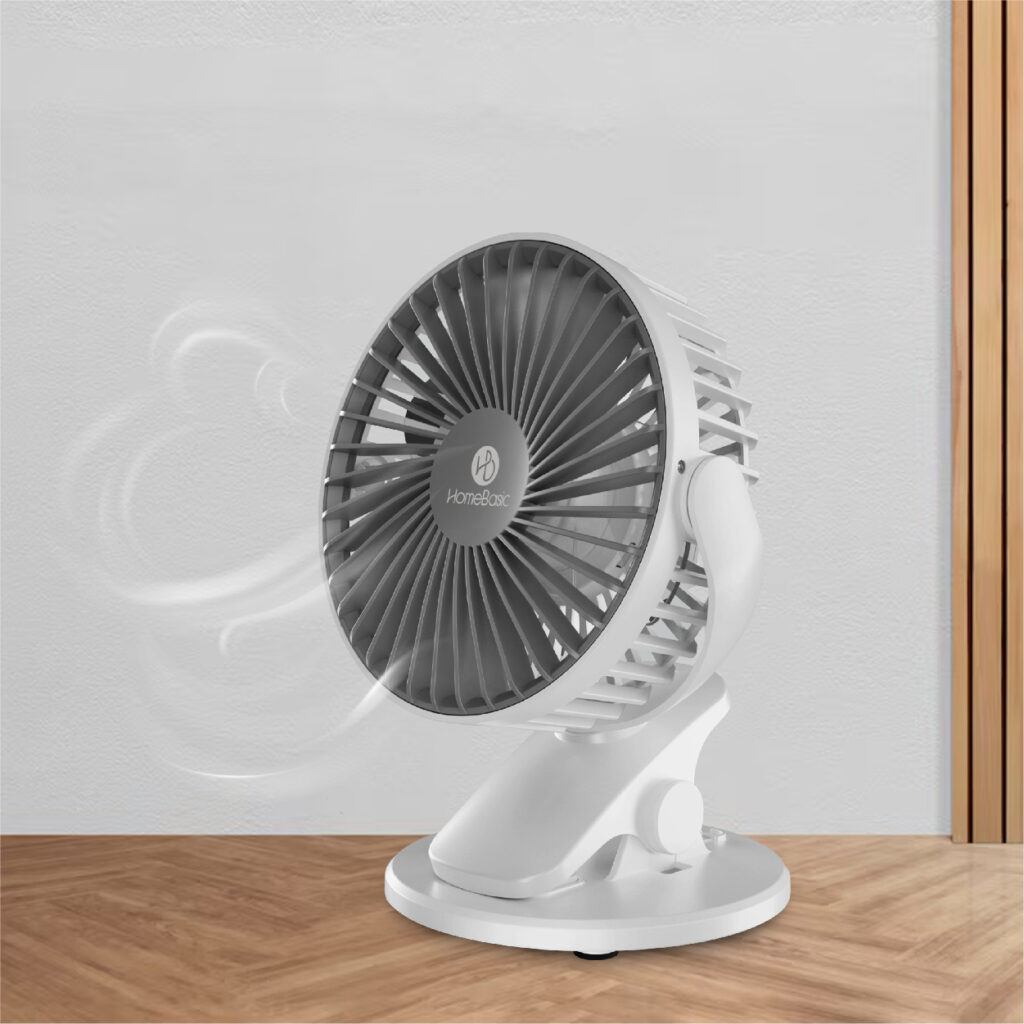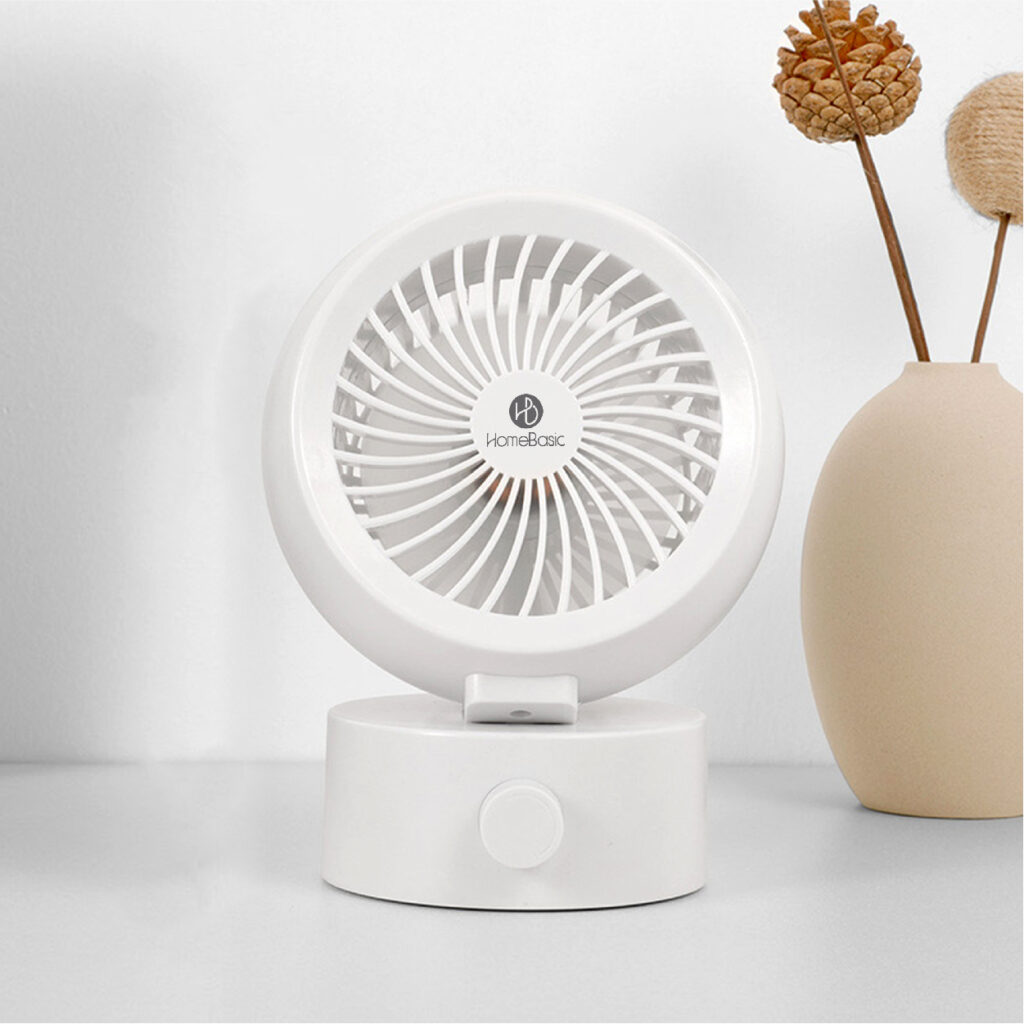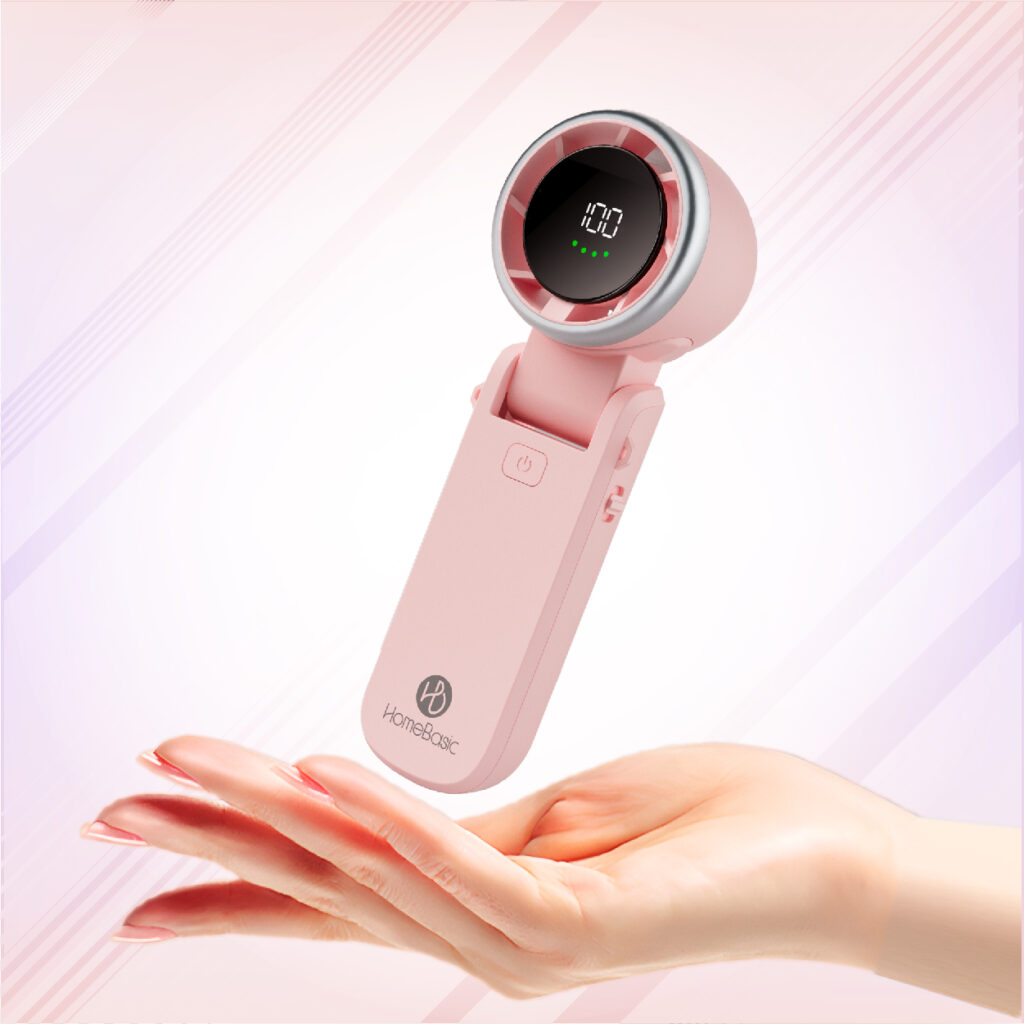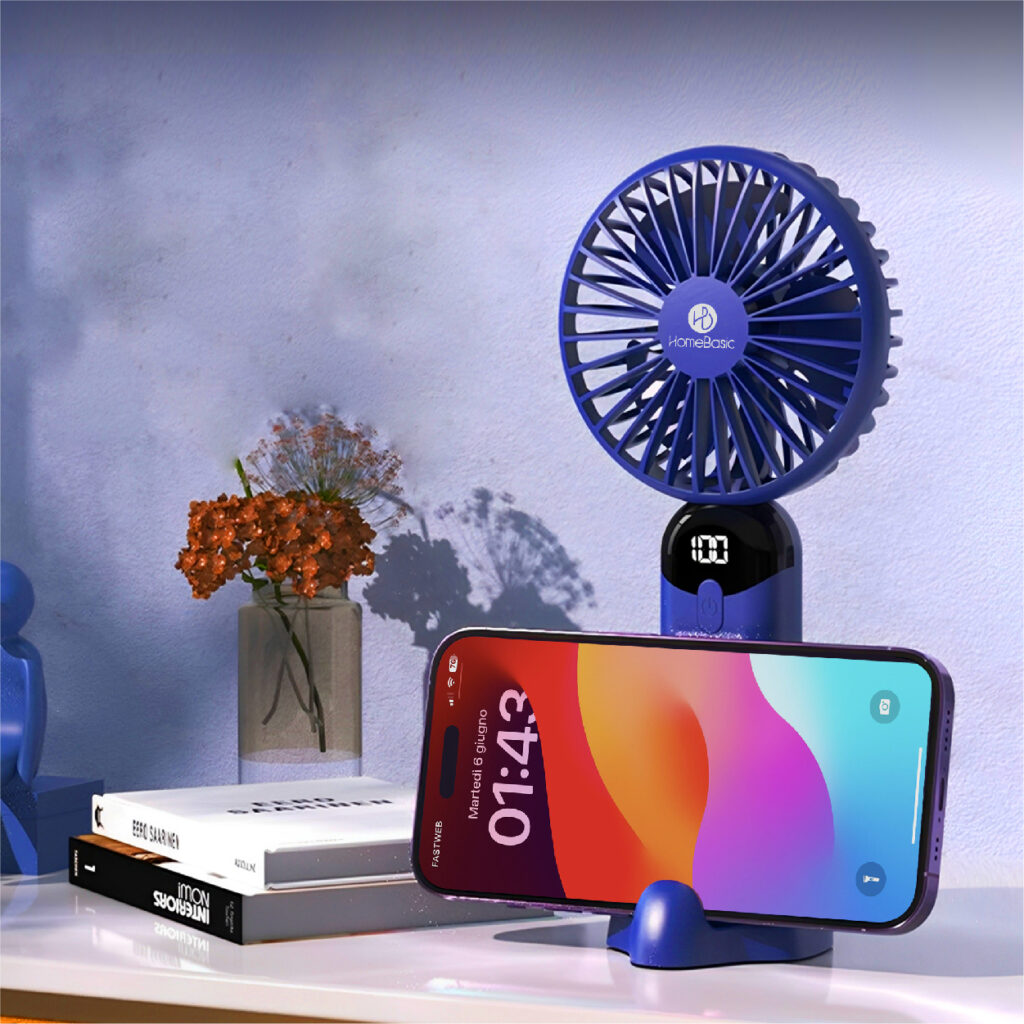
In today’s fast-moving lifestyle, staying cool anytime, anywhere is no longer a luxury—it’s a necessity. A portable fan is your everyday companion, whether you’re working at your desk, commuting, traveling, or relaxing at home.
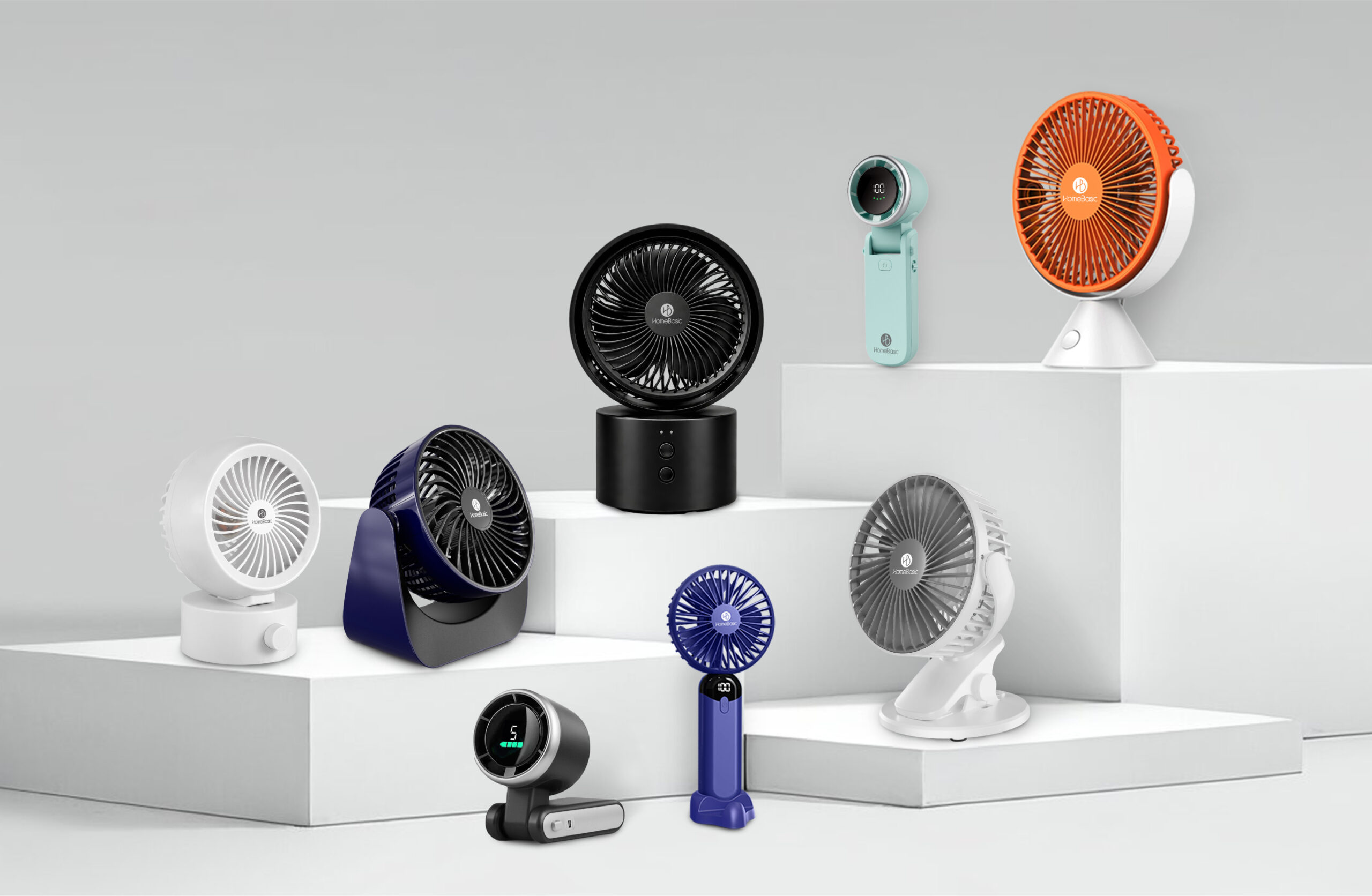
HomeBasic Portable Fans are designed to deliver powerful airflow in compact, stylish designs. From USB desk fans to rechargeable handheld and desk fans, each product is built for convenience, performance, and durability.
But here’s the truth—even the best portable fans need proper care. With the right maintenance, your fan will not only perform better but also last significantly longer.
In this guide, we’ll walk you through expert tips, cleaning methods, battery care, and troubleshooting, so your HomeBasic fan always runs like new.
Understanding HomeBasic Portable Fan Range
- USB Desk Fans
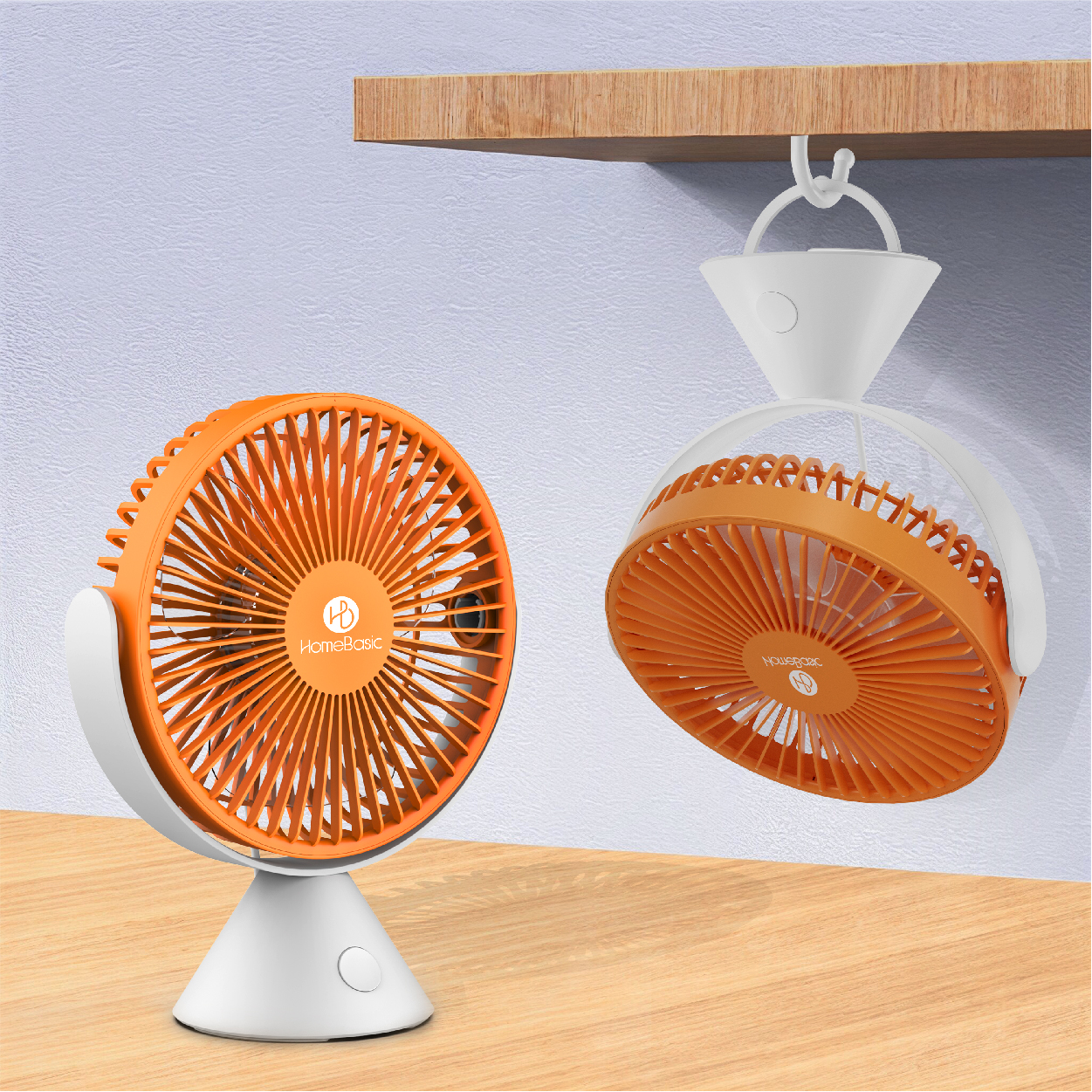
Perfect for office desks and study tables, these fans are powered via USB and offer consistent airflow without taking up much space. Just plug into your laptop or power bank and enjoy instant cooling.
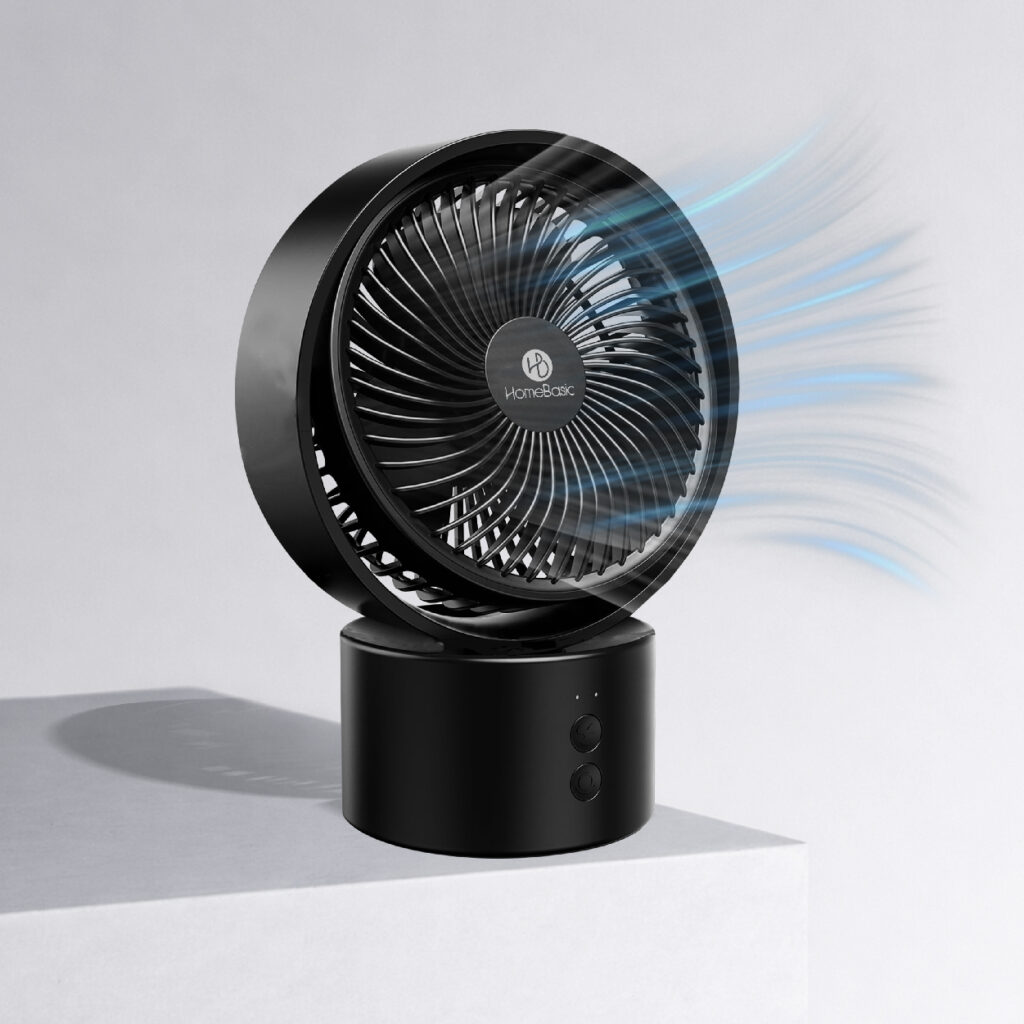
- Rechargeable Portable Desk Fans


These combine the power of a desk fan with the convenience of portability. No wires, no limits—perfect for home, office, and even power cuts.
- Rechargeable Portable Hand Fans


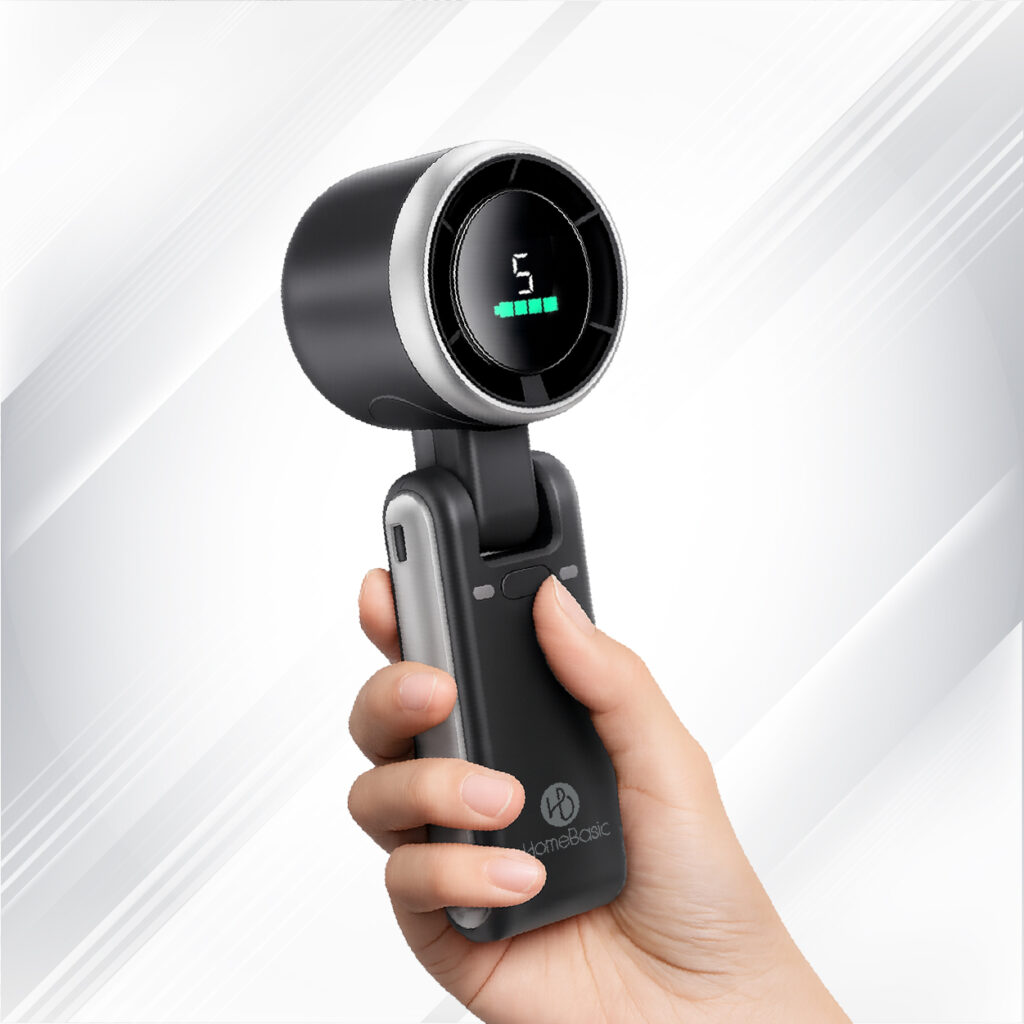
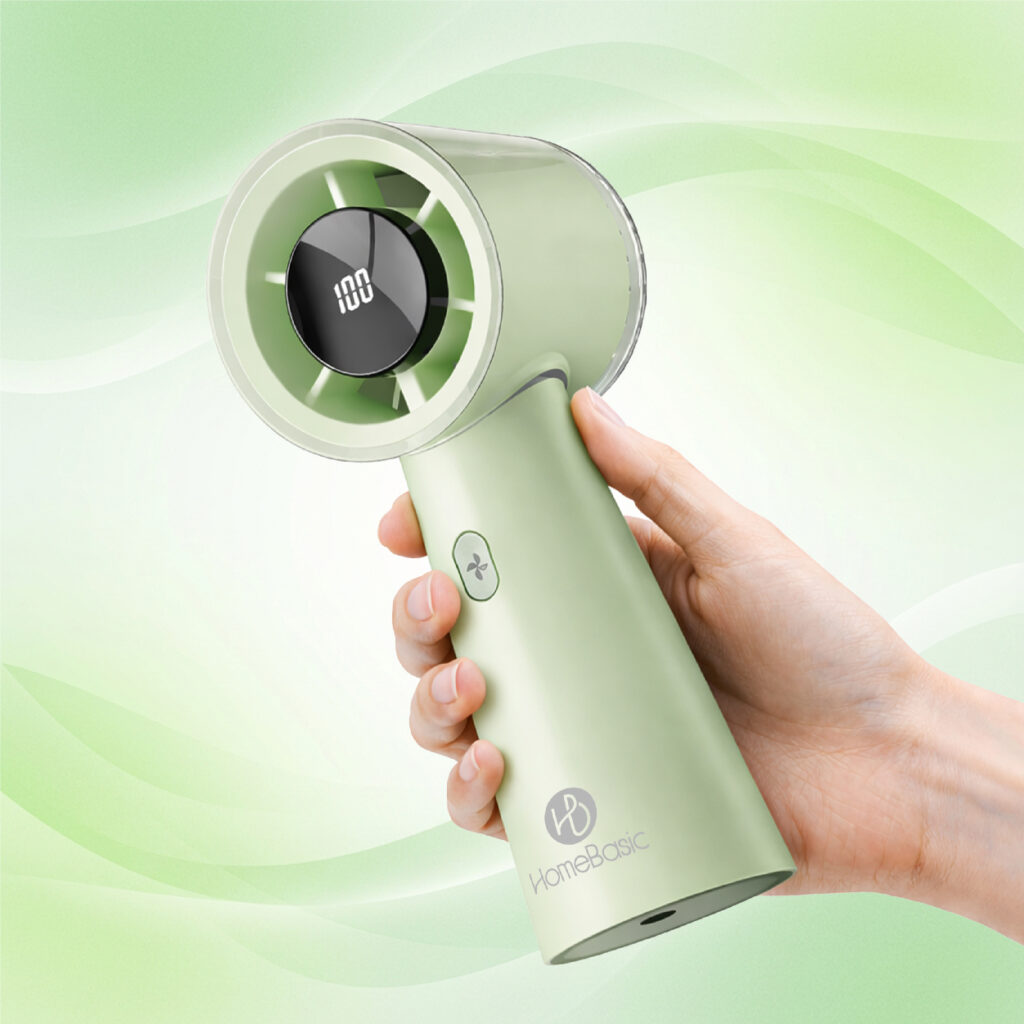
Lightweight and easy to carry, these are ideal for travel, commuting, and outdoor use. With rechargeable batteries and multiple speed settings, they provide cooling on the go.
Daily Usage Tips for Maximum Cooling Performance
Optimal Placement
- Keep your fan on an open surfacefor uninterrupted airflow
- Ensure the fan is facing directly towards you
- Avoid blocking vents for better air circulation
Smart Charging Habits
- Always use the original charging cable
- Avoid overcharging to protect battery health
- Charge fully before stepping out
Safety First
- Keep away from water, dust, and direct sunlight
- Turn off when not in use to save battery life
How to Clean Your HomeBasic Portable Fan Properly
Regular cleaning ensures better airflow, hygiene, and longer life.
Tools You’ll Need
- Soft brush or toothbrush
- Microfiber cloth
- Compressed air (optional)
Step-by-Step Cleaning
- Switch off and unplug the fan
- Gently clean blades and vents using a brush
- Wipe outer surface with a dry cloth
- Avoid water or liquid cleaners
Cleaning Frequency
- Every 1–2 weeksfor regular users
- More often in dusty environments
Battery Care Tips to Extend Fan Life
Your fan’s battery is its heart—take care of it:
- Charge fully before first use
- Avoid draining battery to 0% frequently
- Recharge when battery is low (20–30%)
- If unused for months, charge occasionally
- Store in a cool, dry place
Storage Tips for Long-Term Durability
Proper storage = longer lifespan
- Use protective packaging or cover
- Store in a clean, dry place
- Turn off and disconnect before storing
- Keep away from extreme heat
Troubleshooting Common Fan Issues
Fan Not Turning On
- Check battery level
- Inspect charging cable and port
Unusual Noise
- Clean dust from blades
- Check for loose particles
Reduced Airflow
- Clean vents and blades
- Ensure no blockage
Overheating
- Turn off and let it cool
- Avoid continuous long usage
When to Seek Professional Help
If your fan has:
- Physical damage
- Charging issues
- Internal malfunction
Avoid opening the device yourself. Contact HomeBasic support for assistance or replacement.
Why Choose HomeBasic Portable Fans?
If your fan has:
- Modern & Stylish Designs
- Strong Airflow Performance
- Rechargeable & Energy Efficient
- Perfect for Indian Weather
- Affordable with Premium Quality
HomeBasic combines innovation, affordability, and reliability, making it the perfect choice for everyday cooling.
Conclusion
Taking care of your HomeBasic Portable Fan is simple—but incredibly important. With regular cleaning, smart charging, and proper storage, your fan will deliver powerful cooling for years
Whether you’re at your desk, traveling, or relaxing at home—HomeBasic ensures you stay cool anytime, anywhere.